Themes
Beekeeper Studio comes with a set of built-in themes, so you can make the app look the way you like. Every theme has a light and a dark version, and the app can switch between them automatically to match your operating system.
Changing the Theme
Go to View → Appearance in the app menu to open the Appearance window.
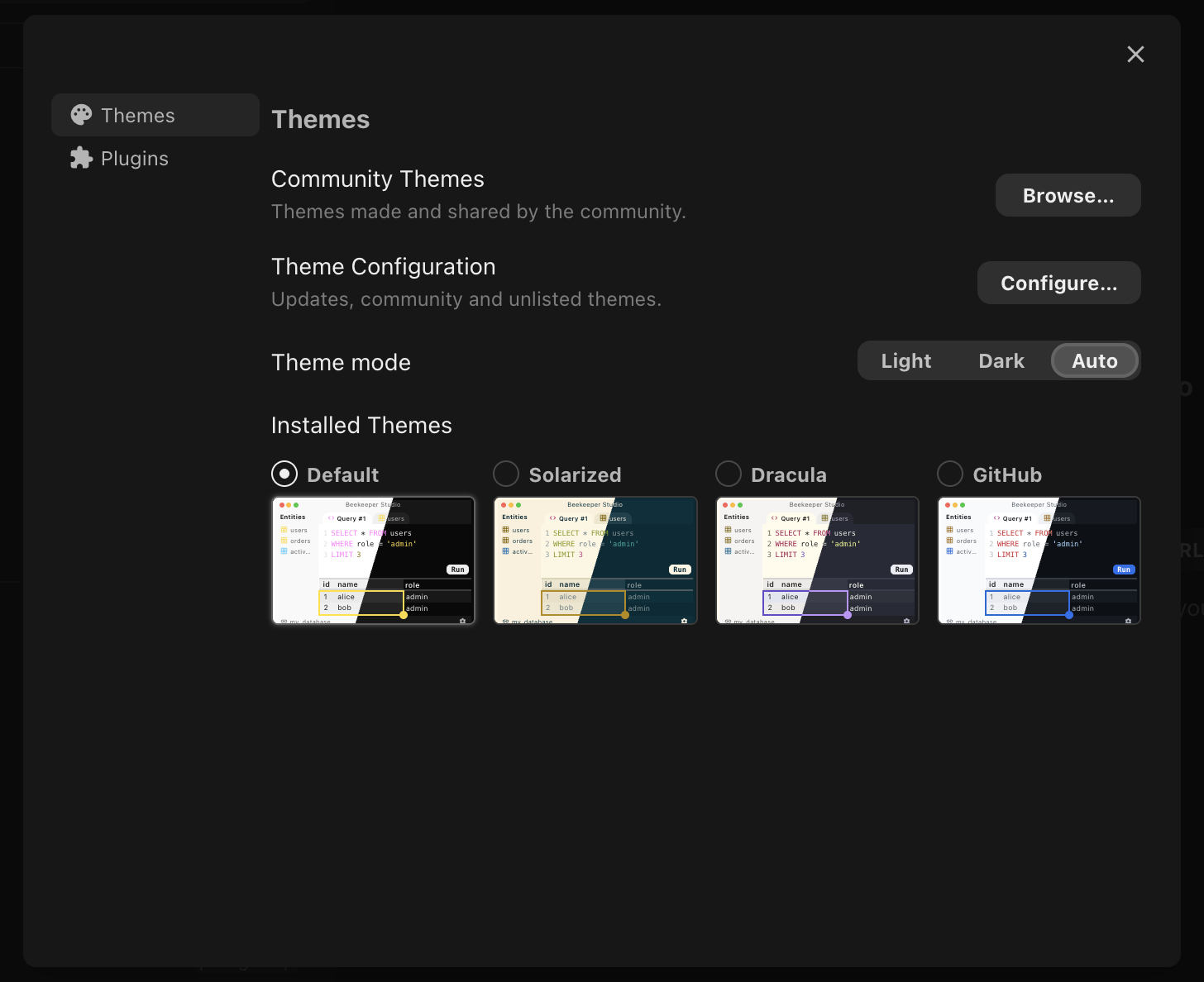
Mode
The Mode buttons control whether the app is light or dark:
- Light - always use the light version of the theme
- Dark - always use the dark version of the theme
- Auto - follow your operating system's light or dark setting (default)