Introduction
Beta Feature
The plugin system is in beta (available in Beekeeper Studio 5.3+). We'd love your feedback!
The Beekeeper Studio Plugin System allows developers to extend the application's functionality through user interface (UI). Plugins run in an <iframe> which means they are sandboxed and communicate with the main application through a structured API.
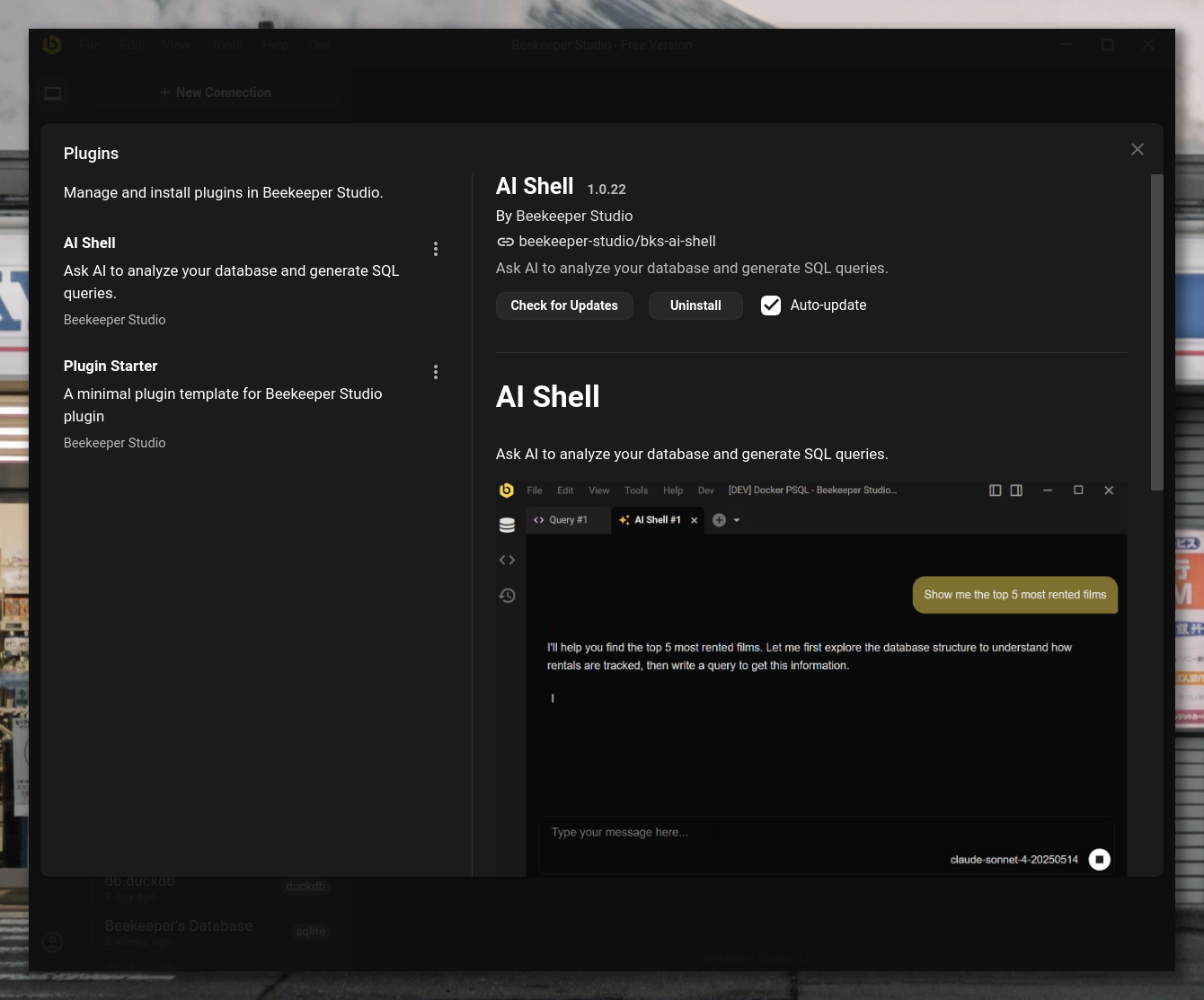
What Are Plugins?
Plugins are web apps (HTML, CSS, JavaScript) that run inside Beekeeper Studio to provide additional functionality beyond what the core application offers. Plugins can read from and write to your connected database, enabling you to build custom data analysis tools, specialized workflows, database utilities, and advanced features tailored to your specific needs.
How Plugins Work
Beekeeper Studio plugins run as standalone web apps embedded inside an <iframe>. Each plugin is isolated and communicates with the host application using postMessage.
Here's a breakdown of the internal flow:
1. Plugin Discovery
Beekeeper Studio fetches a plugin index (a JSON file) from the central plugin registry:
https://raw.githubusercontent.com/beekeeper-studio/beekeeper-studio-plugins/main/plugins.json
Each entry in this file points to a plugin manifest, which is the metadata of the plugin.
2. Installation
When a plugin is installed:
-
The plugin's manifest is downloaded.
-
The plugin's
.zipfile is downloaded, containing the plugin bundle (HTML/CSS/JS assets). -
The archive is unpacked and stored locally inside Beekeeper Studio's plugin directory:
- Linux:
~/.config/beekeeper-studio/plugins/ - macOS:
~/Library/Application Support/beekeeper-studio/plugins/ - Windows:
%APPDATA%\beekeeper-studio\plugins\ - Windows (Portable):
{beekeeper-studio-directory}\beekeeper-studio-data\plugins\
- Linux:
3. Sandboxed Execution
Each plugin is loaded into an <iframe> with sandbox attributes, limiting access to the host environment unless explicitly permitted via the plugin API. The iframe is served using a custom Electron protocol: plugin://, which is defined specifically for Beekeeper Studio. This protocol helps isolate plugins from external web content and is only accessible within the Beekeeper Studio application.
4. Message-Passing Communication
Plugins communicate with Beekeeper Studio using postMessage. This system supports two kinds of messages: requests and notifications.
-
A request expects a response. For example, calling
getTableswill return a list of tables. -
A notification sends data without expecting a reply. For instance, when the theme changes, Beekeeper Studio notifies the plugin via a
themeChangednotification.
The @beekeeperstudio/plugin package provides helper functions for handling communication such as getTables(), runQuery(), etc.
5. UI Integration
Plugins declare their views in the manifest file. Beekeeper Studio renders these views and injects the corresponding <iframe> into the designated location in the UI.
Next Step
- Start Building - Create your first plugin