Diagrams
To visualize your database schema, Beekeeper Studio provides Entity Relationship Diagram (ERD). It gives you a clear, interactive view of how your tables connect, so you can understand the structure at a glance.
Multi-schema Relationship
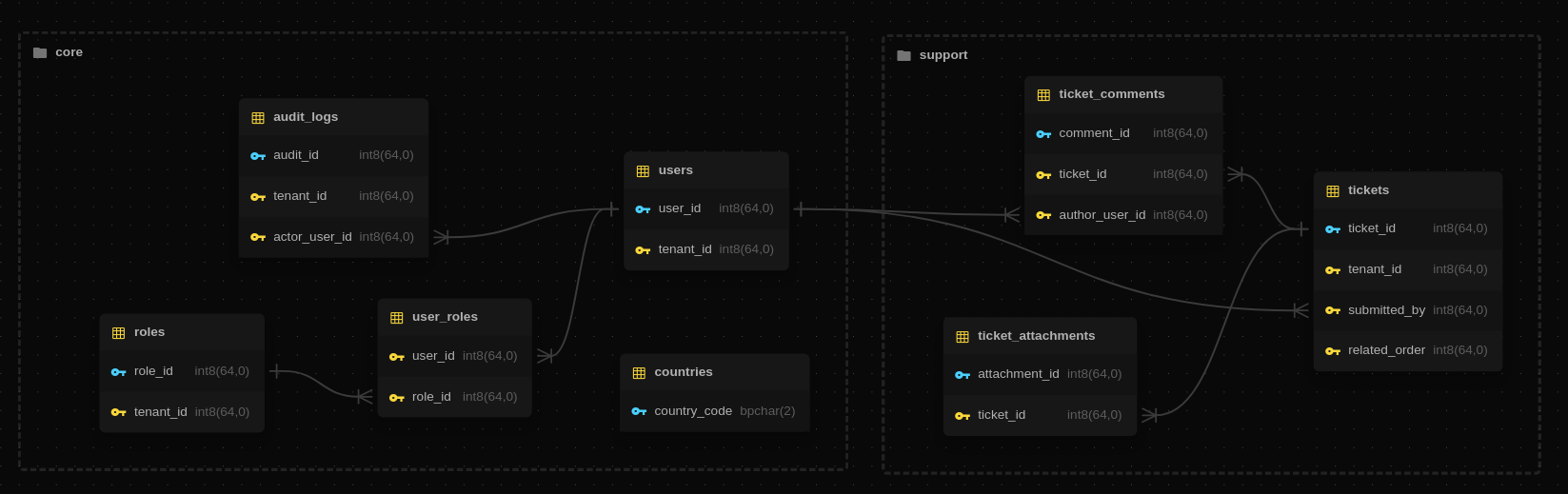
The diagram can display relationships that cross schema boundaries. Tables from other schemas still appear in the view, but with a clear visual distinction so you always know when a relationship extends beyond the active schema.
Export as Image
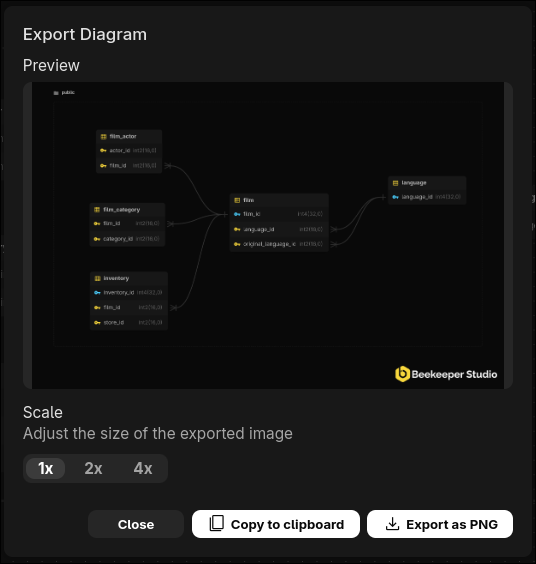
You can save the current diagram as an image or copy it to your clipboard. This makes it easy to share the layout or include it in documentation.
How to Open the ER Diagram
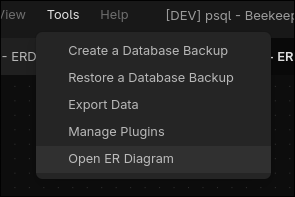
You can open the diagram from Tools > Open ER Diagram to view the active database.
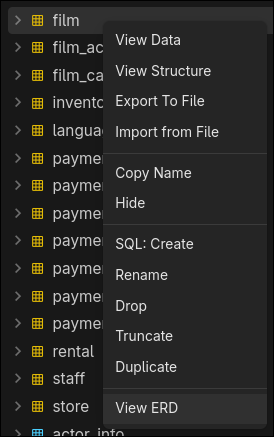
You can also open it by right-clicking a table or schema in the sidebar.
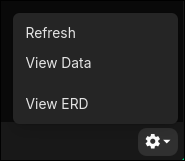
Or you can open it from the Structure tab while viewing a specific table. There is a cog button on the status bar - click it, then select View ERD.
ER Diagram Pricing
The ER Diagram is included in all paid versions of Beekeeper Studio, with no additional charge.
All downloads of Beekeeper Studio come with a 14 day free trial, download Beekeeper Studio to try the ER Diagram right now.